30 Jan 2026
Post by Elijah
Introduction
Selecting the ideal power supply is pivotal in creating a reliable and high-performing PC. For those using a Micro ATX motherboard, the choice of an ATX power supply can impact overall system stability and longevity. Understanding compatibility, efficiency, and the specific power needs of your build will ensure you make the right decision when selecting a power supply.
Understanding ATX and Micro ATX Form Factors
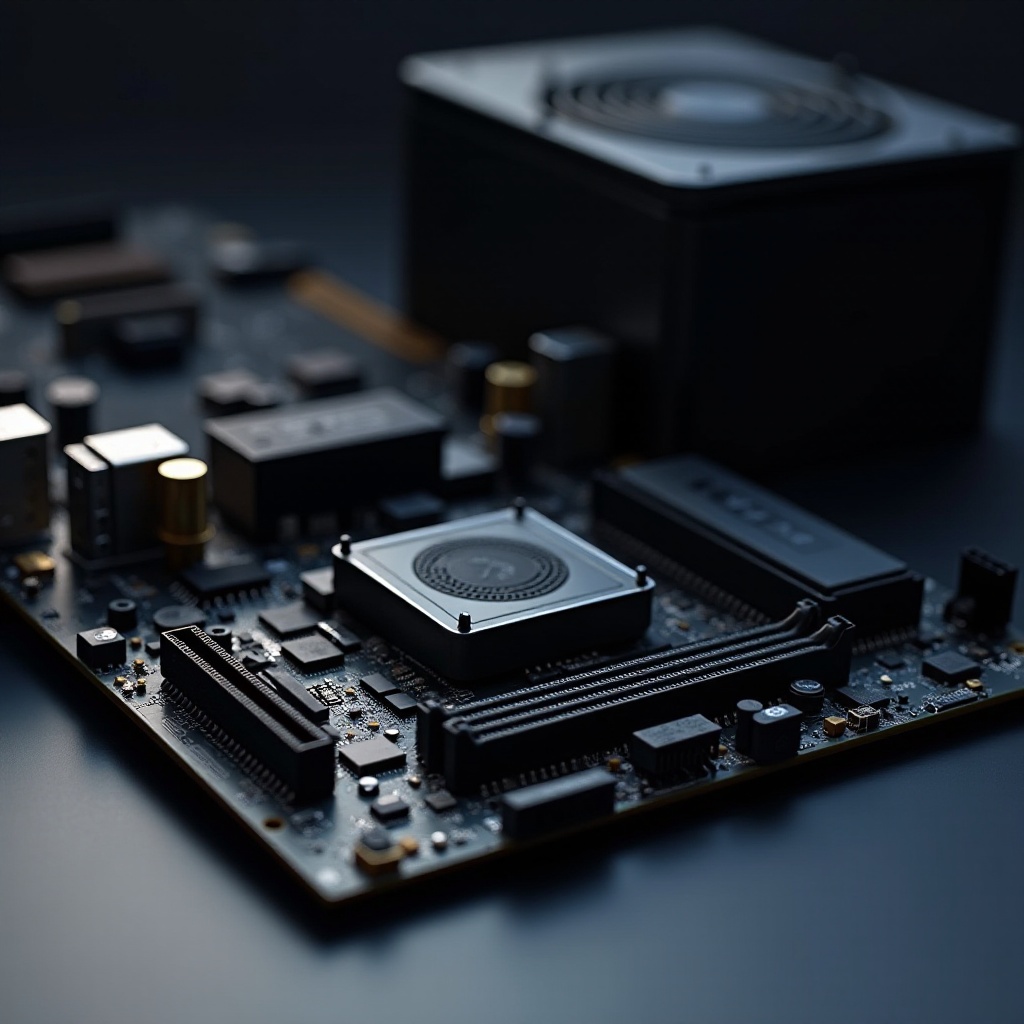
The ATX (Advanced Technology eXtended) and Micro ATX form factors are staples in the world of PC building. ATX boards are larger, offering more expansion slots and superior airflow, whereas Micro ATX boards are more compact, suited for builds where space is a premium. Pairing an ATX power supply with a Micro ATX motherboard provides flexibility and the assurance that your system has adequate power and cooling capacity. The power supply’s role in power delivery cannot be understated, as it provides the necessary voltage and current to all components within the PC.
Key Features to Consider When Selecting an ATX Power Supply
Before diving into product suggestions, it’s vital to understand the key features to look for in an ATX power supply.
-
Wattage Requirements: Determine the wattage necessary for your build considering your CPU, GPU, storage, and peripheral demands. Utilize online calculators to accurately gauge required wattage.
-
Efficiency Ratings: 80 Plus Certification: Selecting a power supply with a higher efficiency rate reduces energy waste and heat. Seek out 80 Plus certifications such as Gold or Platinum for optimal performance-to-cost ratio.
-
Modular vs. Non-Modular Cabling: Modular supplies offer cabling flexibility, which can enhance airflow and ease of installation by allowing you to connect only the cables you need. Non-modular purchases might be cheaper but lack this flexibility.
By understanding these features, you can better match a power supply to your system’s exact requirements. This ensures compatibility and paves the way for the next consideration: ensuring it fits within your Micro ATX setup.
Ensuring Compatibility with Micro ATX Builds
Ensuring that your power supply is compatible with your Micro ATX setup is crucial for building a functional system.
-
Physical Dimensions: Verify your case dimensions to ensure your chosen ATX supply fits. While ATX power supplies come in standard sizes, cases can vary significantly in space allocation.
-
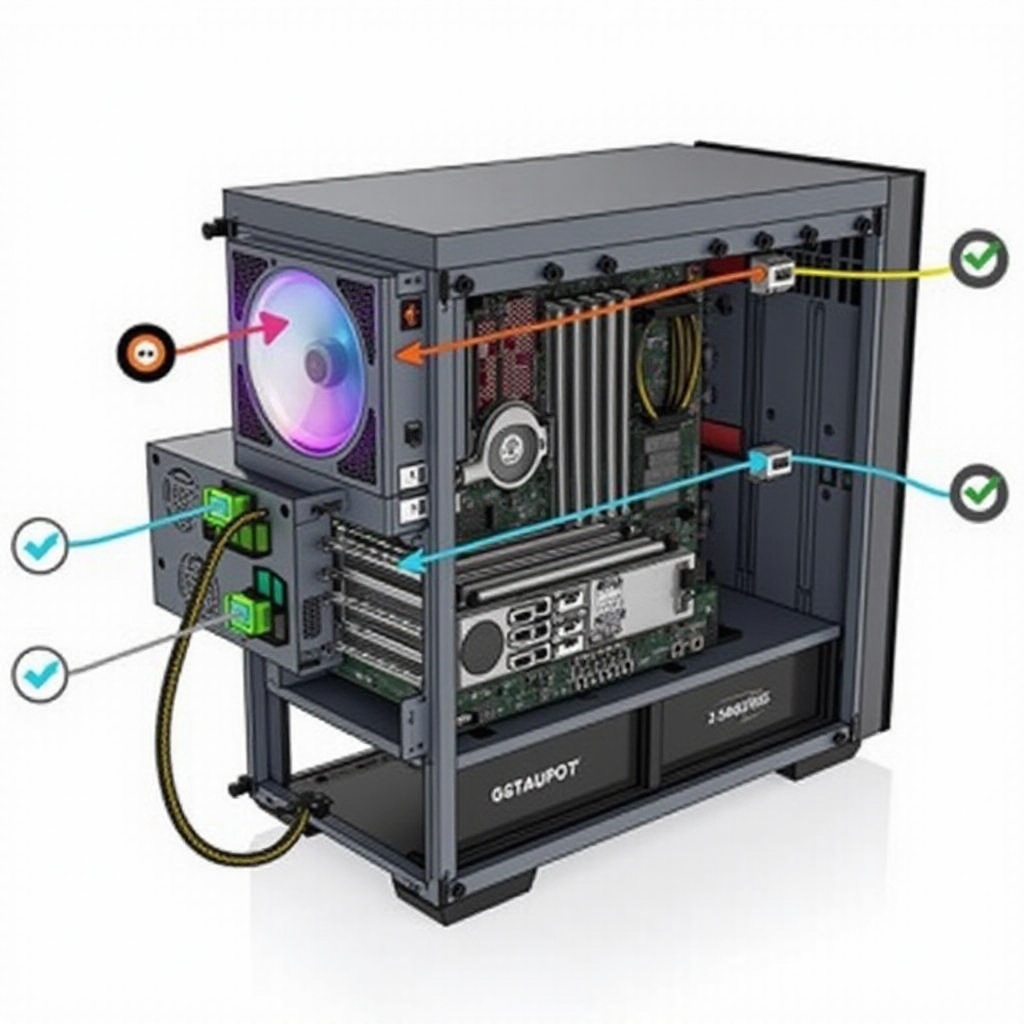
Connectors and Compatibility: It’s vital to ensure the power supply has all necessary connectors, including the 24-pin main connector and additional connectors for CPU, PCIe, and peripherals that your setup requires.
Addressing these factors helps you streamline the build process, allowing for a seamless integration of your selected power supply. With this understanding, we can consider some recommended power supply models for 2024.
Top Recommended ATX Power Supplies for 2024
Choosing a high-quality power supply will directly affect your system’s performance and longevity, so consider these top picks for 2024:
-
Best Overall Pick: Corsair RM750x stands out with an 80 Plus Gold efficiency, fully modular cabling, and excellent reliability, making it suitable for a wide range of builds.
-
Best Budget Option: EVGA 600 W1 provides solid performance for its price point, ideal for those building on a budget yet requiring dependable power.
-
Best for High-Performance Builds: Seasonic Prime TX-850 delivers top-tier power with an 80 Plus Titanium efficiency rating and fully modular design, perfectly catering to high-demand systems.
These recommendations offer options tailored to a variety of build needs and budgetary restrictions, ensuring you find the perfect match.
Tips for Successful Installation
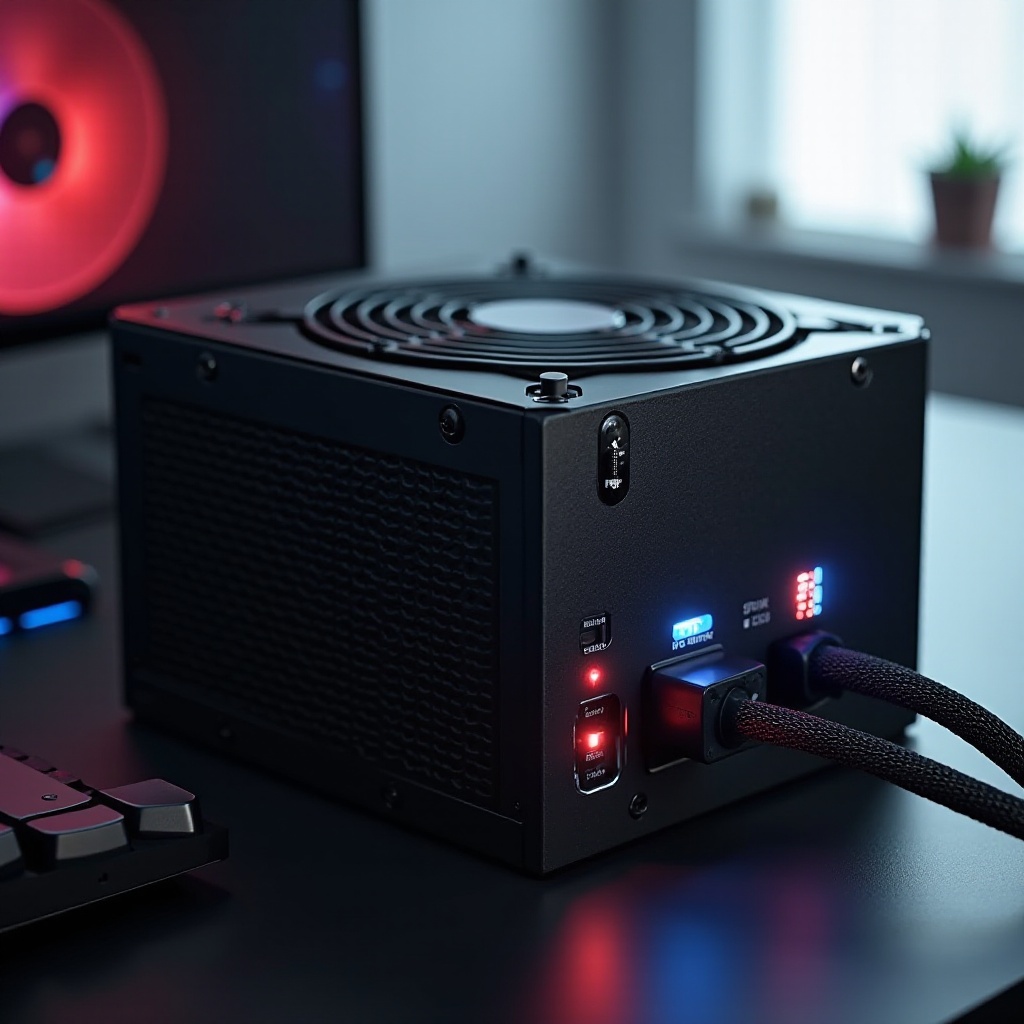
After selecting the right power supply, proper installation ensures optimal performance. Follow these tips:
-
Preparation: Gather required tools such as screwdrivers, wear anti-static wristbands, and carefully plan cable management to facilitate airflow.
-
Installation Tips: Secure connections correctly, avoiding over-tightening screws and ensuring proper seating of connectors. Double-check all connections before powering up.
Correct installation paves the way to a stable and efficient system performance, maximizing your power supply’s potential.
Conclusion
Selecting the right ATX power supply for your Micro ATX motherboard is crucial for building a reliable and efficient PC. By understanding key features, ensuring compatibility, and following expert recommendations, you can equip your build for success. This comprehensive understanding will guide you in selecting the best-suited power supply for your specific needs.
Frequently Asked Questions
What happens if my power supply does not have enough wattage for my system?
If your system lacks adequate wattage, you may experience instability, shutdowns, or failure to power on.
Can I use an ATX power supply with a Micro ATX case?
Yes, most Micro ATX cases accommodate standard ATX power supplies, but check your case’s specifications to ensure fit.
How do I know if my power supply is failing and needs replacement?
Symptoms include irregular performance, unexpected shutdowns, or a burning smell. Consulting a professional can confirm issues.