13 Mar 2026
Post by Elijah
Introduction
Apple Watch has become an essential tool for fitness enthusiasts seeking to track and improve their health goals effectively. With advanced workout features, the Apple Watch allows users to create personalized fitness routines that cater to specific needs. This guide will walk you through creating a workout on your Apple Watch, ensuring you maximize its potential for your fitness journey.
Understanding Apple Watch Fitness Features
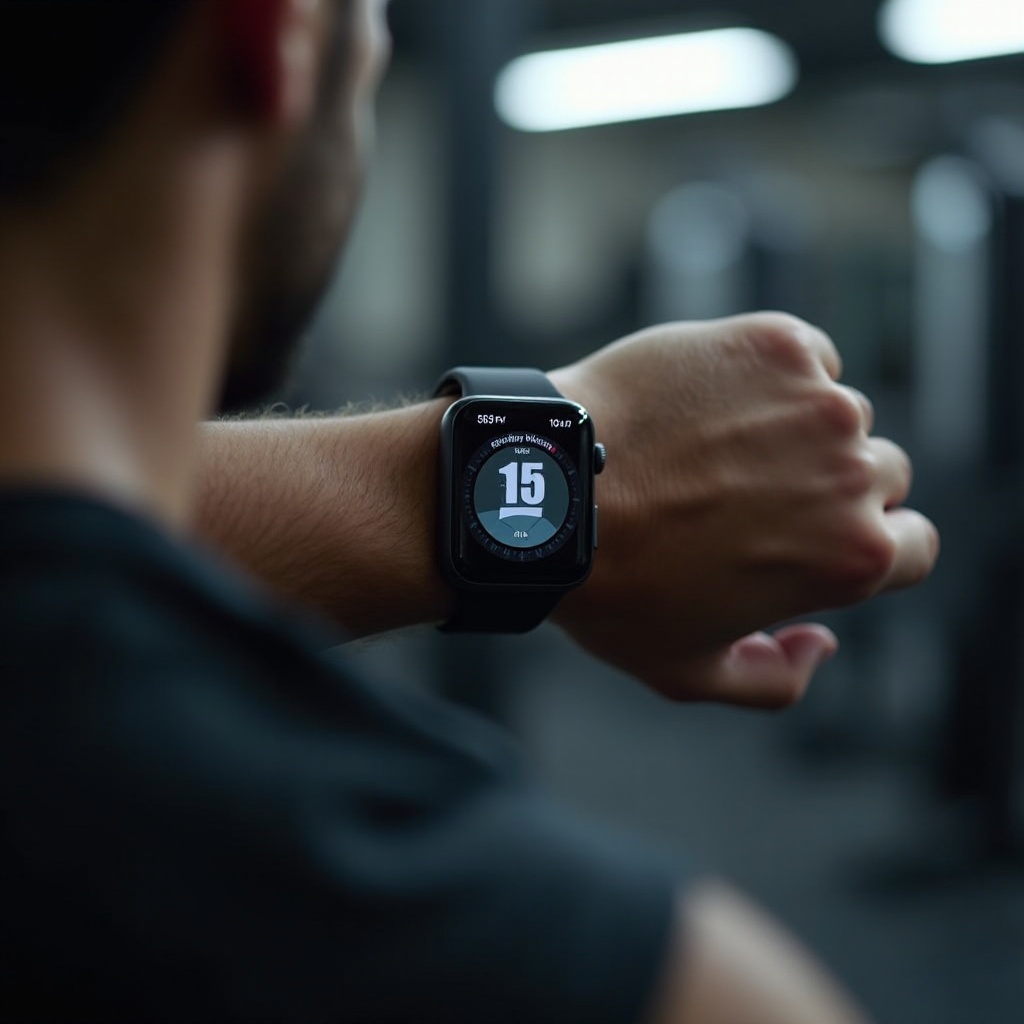
Before delving into customizing workouts, it’s important to understand what the Apple Watch offers in terms of fitness tracking. This sophisticated device not only records movements but also monitors heart rate, providing an accurate overview of your physical activity. By leveraging these features, you can use the Apple Watch to its fullest, as it tracks active calories, monitors workouts, and even reminds you to stay active throughout the day. These capabilities seamlessly integrate fitness into your lifestyle.
Creating a Custom Workout on Apple Watch
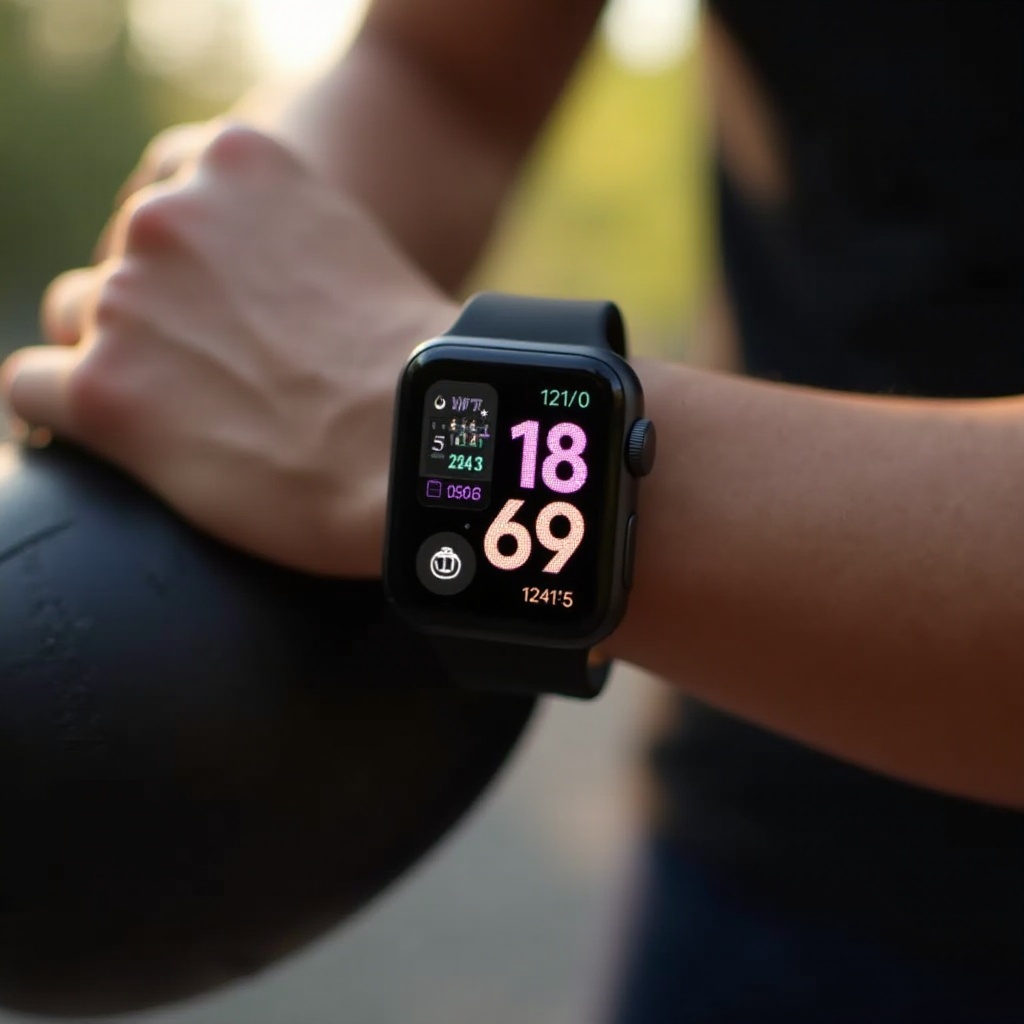
Creating a custom workout on your Apple Watch is simple and effective. Here’s how you can tailor your fitness regimen:
1. Open the Workout app on your Apple Watch.
2. Scroll through available workout types or tap ‘Add Workout’ to explore more options.
3. Once you select a workout type, tap on it.
4. Customize workout metrics by swiping left during the session and tapping the ‘Edit’ option.
Customizing your workout ensures that you’re focusing on areas that need improvement, be it endurance, strength, or flexibility. Set clear objectives to maximize results and maintain motivation throughout your fitness journey.
Enhancing Your Workout with Additional Features
To further enhance your workout experience, Apple Watch provides integrations with music and podcasts. Here’s how to make the most of these features:
– Pair your Bluetooth headphones for seamless audio during workouts.
– Sync your favorite workout playlist or podcast for added motivation.
– Utilize third-party fitness apps like Strava or Nike Training Club that integrate with your Apple Watch to track specific activities.
These features ensure that your workout routines remain engaging and enjoyable, keeping you motivated and focused.
Comparing Apple Watch to Other Smart Watches
While exploring workouts on your Apple Watch, it is beneficial to know how it compares to other smart watches like Fitbit or Garmin. The Apple Watch has a seamless iOS integration and extensive App Store support, making it stand out. Newer models also offer improved battery life and larger displays, facilitating easy workout monitoring. Each brand comes with its advantages, but the Apple Watch’s unique suite of features paired with a sleek design continues to make it a preferred choice among fitness enthusiasts.
Tips for Effective Use of Apple Watch During Workouts
Maximize your Apple Watch’s potential with these tips for effective use during workouts:
– Wear your watch snugly on your wrist for accurate data.
– Regularly calibrate your watch for precise fitness metrics.
– Make use of the Activity app to track daily progress and maintain consistency.
This interconnected health ecosystem transforms your Apple Watch into a fitness companion, motivating you consistently on your path to wellness.

Troubleshooting Common Issues
Apple Watch generally offers a user-friendly interface, but occasional troubles may arise. Problems like syncing issues or apps not updating correctly are common. Here are solutions for such issues:
– Ensure both your watch and iPhone are up-to-date with the latest software versions.
– If issues persist, restart your devices or consider unpairing and re-pairing the watch.
Following these straightforward steps can often resolve issues, allowing you to continue focusing on your fitness regimen without disruption.
Conclusion
Creating a personalized workout on your Apple Watch can significantly enhance your fitness routine. With a broad range of features and seamless integration, the Apple Watch is an invaluable tool in your journey toward improved health. Use this guide to track your progress, stay motivated, and adjust your regimen as needed to achieve your fitness goals.
Frequently Asked Questions
How do I start a workout on my Apple Watch?
To begin a workout, open the Workout app, select a type, and tap to start. Customize metrics for a personalized experience.
Can I share my workout data with friends?
Yes, you can share workout data via the Activity app on your iPhone, adding a layer of motivation and friendly competition.
What should I do if my Apple Watch workout isn’t tracking accurately?
Ensure a snug fit on your wrist, recalibrate if needed, and keep software updated for accurate tracking.