20 Feb 2026
Post by Elijah
Introduction
Hisense TVs are well-regarded for their value and quality, yet sound issues can still arise, detracting from the overall viewing experience. From audio cutting out unexpectedly to distorted playback, knowing how to troubleshoot these concerns is essential. This guide will walk you through identifying common sound problems and their respective solutions, ensuring you can enjoy your TV without interruption.
Common Hisense TV Sound Problems
Understanding the nature of your sound problem is the first step toward a solution. Common issues with Hisense TV sound include:
- No Sound Output: This issue may stem from muted settings or a conflict with connected audio-output devices.
- Intermittent Sound Issues: Audio cuts in and out, often due to loose connections or signal interference.
- Distorted or Echoing Sound: Problems with unclear or echoing audio are often the result of incorrect sound settings or external audio device problems.
By recognizing which specific issue you are dealing with, you can employ more targeted troubleshooting methods.
Initial Troubleshooting Steps
Before proceeding to complex solutions, start with these fundamental troubleshooting steps:
- Check Volume Settings and Mute Function: Ensure your TV’s volume is not muted or set too low by adjusting the volume on your remote.
- Inspect Cable Connections: Make sure all HDMI and audio cables are securely connected to prevent audio disruptions.
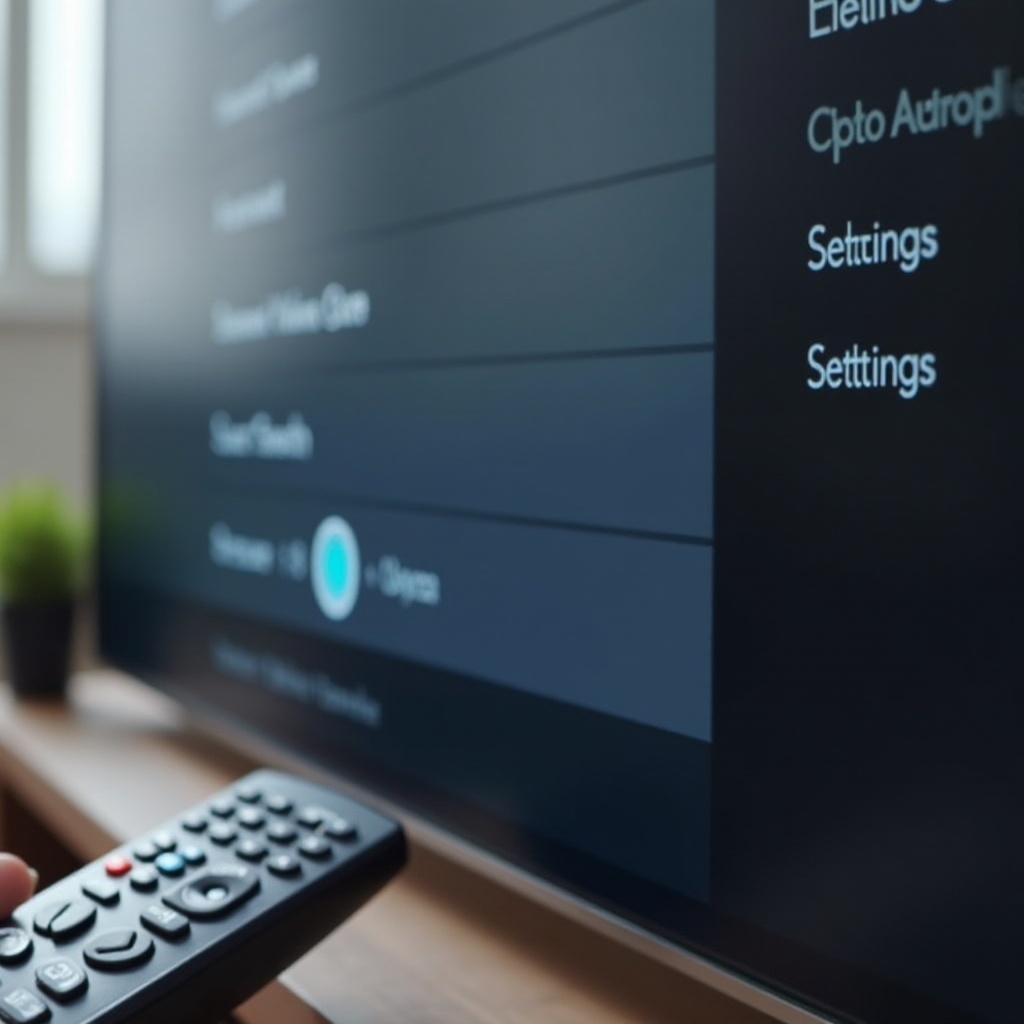
- Update Hisense TV Firmware: Sometimes a simple firmware update can resolve persistent sound issues. Navigate to the ‘Settings’ menu to check for updates.
These steps often resolve minor sound issues. If problems persist, it may be time to explore more advanced troubleshooting strategies.
Advanced Solutions for Persistent Issues
Should initial steps fail, consider the following advanced solutions:
- Reset TV Sound Settings: Access the audio settings menu on the TV and reset sound settings to the factory default. This can correct misconfigurations.
- Test with External Speakers or Soundbars: Determine if the issue lies with the TV speakers by connecting to an external audio device.
- Diagnose Hardware Problems: Persistent issues may point to hardware failures, necessitating a check for speaker defects or internal damage.
These advanced techniques should address the majority of sound problems persistently affecting your Hisense TV. If the sound remains problematic, further steps should be taken.
Preventive Measures to Avoid Future Problems
Preventing sound issues involves proactive maintenance and regular updates:
- Regular Firmware Updates: Keep your TV’s software current to maintain optimal performance.
- Use Proper Settings and Care: Avoid excessively high volumes to prevent speaker strain and follow manufacturer guidelines for sound settings.
- Perform Routine Maintenance: Clean connections and ensure your TV environment is suitable to prevent dust and overheating.
Following these preventive measures will help ensure your TV continues to function smoothly and without sound issues.
When to Contact Professional Support
If DIY troubleshooting does not resolve the sound issues, professional assistance might be necessary:
- Recognize When to Seek Professional Help: Issues persisting despite troubleshooting could indicate more serious internal faults.
- Contact Hisense Support: Reach out to Hisense customer service for guidance on software fixes or to schedule a repair if still under warranty.
Professional support can provide peace of mind and efficient solutions for problematic sound issues, ensuring your TV works as intended.
Conclusion
Hisense TV sound problems can often be resolved with systematic troubleshooting and sometimes require professional help. By following these guidelines, you ensure that your TV delivers high-quality audio, enhancing your viewing experience. Preventive maintenance can further protect against future audio issues, providing uninterrupted enjoyment for years.
Frequently Asked Questions
Why does my Hisense TV have no sound suddenly?
Possible reasons include muted settings, incorrect audio output settings, or loose cable connections.
How can I reset the sound settings on my Hisense TV?
Navigate to the TV’s ‘Settings’ menu, select ‘Sound,’ and choose the option to reset audio settings to default.
What should I do if the sound problem persists even after troubleshooting?
If troubleshooting efforts fail, contact Hisense customer support for further guidance or professional repair services.