5 Dec 2025
Post by Elijah
Introduction
Vertical lines appearing on your Samsung TV can disrupt your viewing and may indicate underlying issues. Addressing this problem promptly can help maintain your TV’s performance and lifespan. This comprehensive guide details the causes of vertical lines, how to troubleshoot them at home, and when to seek professional repair.
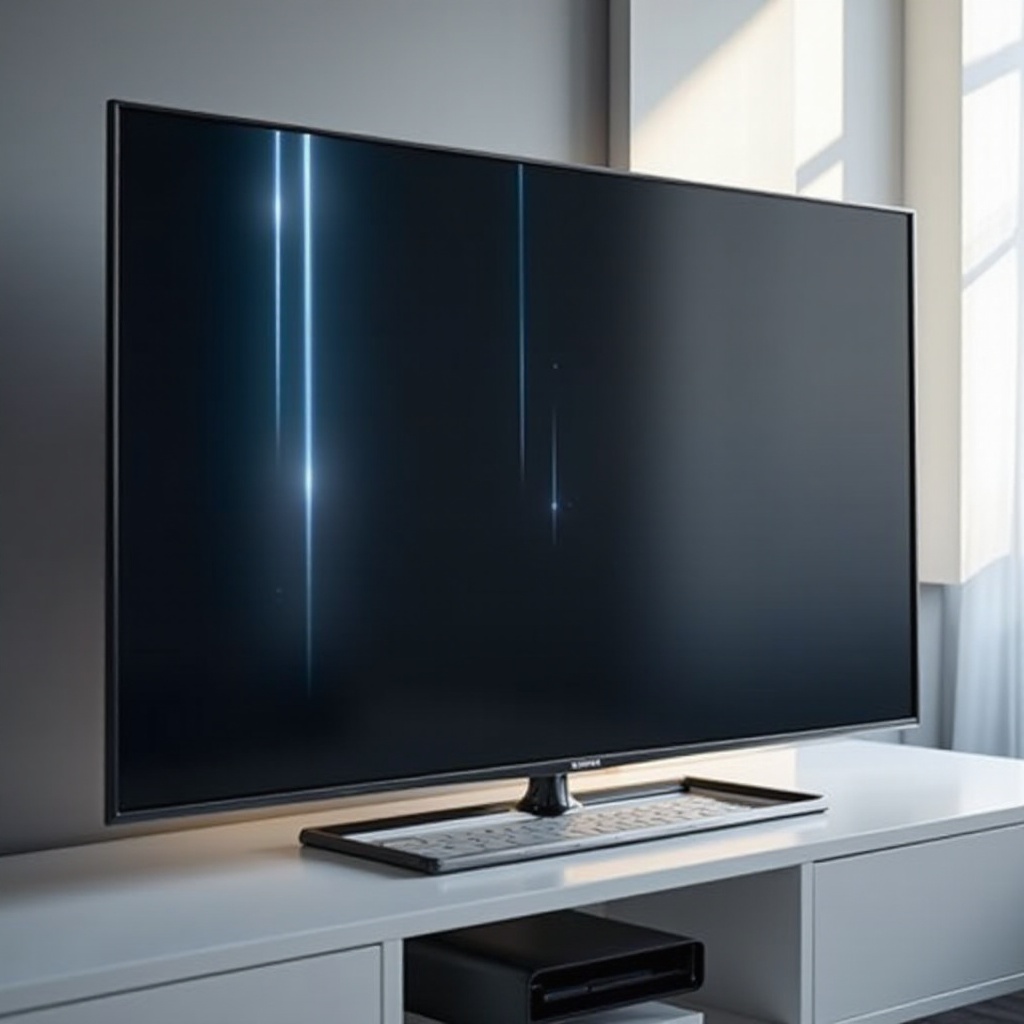
Understanding Vertical Lines on Samsung TVs
Recognizing the signs of vertical lines and understanding their causes is the first step to fixing them. Let’s explore what you should look for and why these lines might appear.
What Causes Vertical Lines?
- Hardware Issues: Internal factors like loose connections or a malfunctioning display panel can lead to vertical lines.
- Cable Problems: Damaged or poor-quality cables between your TV and external devices might be the cause.
- Software Glitches: Occasionally, software bugs disrupt display functions, resulting in vertical lines.
Common Signs and Symptoms
- Persistent or sporadic thin lines across the screen.
- Lines appearing regardless of the channel or input.
With this understanding, you’re better equipped to approach the troubleshooting process.
Initial Troubleshooting Steps
Before delving into complex repairs, begin with these fundamental checks.
Inspecting Cable Connections
- Ensure all connections, including HDMI and power cables, are secure.
- Examine cables for any wear and tear that could impact their functionality.
Verifying the Source of the Problem
- Test different inputs to see if the issue stems from a particular source, helping you isolate the fault.
These basic diagnoses may resolve your issue, allowing you to enjoy uninterrupted viewing again.
DIY Fixes for Vertical Lines
If simple troubleshooting doesn’t work, here’s how you can attempt a more hands-on approach to solving the problem.
Adjusting Picture Settings
- Navigate to your TV’s settings and modify picture settings like brightness and contrast, checking if they affect the display.
Performing a Soft Reset
- Turn off the TV, unplug it, and wait a few minutes before restarting. This can recalibrate the display settings.
Updating TV Firmware
- Check for any software updates available in your TV’s settings. Sometimes, updating firmware resolves display issues.
These methods, although more involved, might solve the problem without additional help.
Advanced Troubleshooting Techniques
When initial attempts don’t succeed, more advanced troubleshooting may be necessary.
Evaluating HDMI Ports and Cables
- Use an alternative HDMI cable or port to determine if these components are the source of the problem.
Inspecting the T-Con Board
- The T-Con board controls screen signals. If vertical lines persist, it might be due to a faulty T-Con board requiring inspection and potentially replacement.
Proceed with caution, and consider your comfort level when attempting these fixes.
When to Contact a Professional
After exhausting other solutions, professional help may be needed.
Signs You Need Expert Help
- Persistent issues after trying all home fixes.
- Recent purchase within warranty period could provide repair or replacement options.
Considering Warranty and Repair Costs
- Verify your warranty status for free repairs.
- Compare services for cost-effective professional repair.
Professional diagnostics ensure your TV’s issues are appropriately resolved, restoring its optimal functionality.
Conclusion
Tackling vertical lines requires a methodical approach, from simple checks to more complex repairs. Understanding the problem equips you to either fix it yourself or know when to consult an expert, ensuring your Samsung TV maintains its quality and lifespan.
Frequently Asked Questions
What should I do if the vertical lines reappear after repair?
If vertical lines reappear, revisit initial troubleshooting methods, check for new software updates, or consult a professional.
Are vertical lines a common issue with Samsung TVs?
While not extremely common, vertical lines can happen due to various factors, but they are usually fixable through troubleshooting.
Will a factory reset fix the vertical lines?
A factory reset can resolve software glitches but won’t fix hardware issues. Consider this option if troubleshooting steps fail before seeking repairs.