24 Apr 2026
Post by Elijah
Introduction
Experience the enhanced messaging services of iMessages by activating it on your iPhone. Enjoy secure and seamless communication over Wi-Fi or cellular data, exclusive to Apple users. Offering features like animated texts, multimedia messaging options, and superior encryption, iMessages provides a comprehensive communication experience. Before you indulge, follow the necessary steps to activate this essential feature.
Prerequisites for Activating iMessages
Ensure you have the following prerequisites in place for a hassle-free activation process:
- Compatible iOS device: Ensure your device runs on iOS 5 or later.
- Stable internet connection: A reliable Wi-Fi or cellular network is essential.
- Latest software: Check for updates in Settings > General > Software Update.
Having these prerequisites set up simplifies the activation, paving the way for using iMessages efficiently.
Step-by-Step Guide to Activating iMessages
Now that everything is prepared, let’s move on to the activation process:
- Ensure You Have an Active Internet Connection
-
Connect your iPhone to Wi-Fi or ensure mobile data is turned on. This connectivity is crucial for confirmation and activation.
-
Open Settings and Navigate to iMessages
- Tap on the Settings app from the home screen.
- Scroll to and select ‘Messages’.
-
Toggle the ‘iMessage’ switch to the ‘on’ position.
-
Use Your Apple ID for Activation
- Enter your Apple ID when prompted. This links your ID with iMessages.
-
Create an Apple ID if you don’t have one, following the on-screen instructions.
-
Finalize Activation and Test
- Wait a few minutes for the system to activate iMessages.
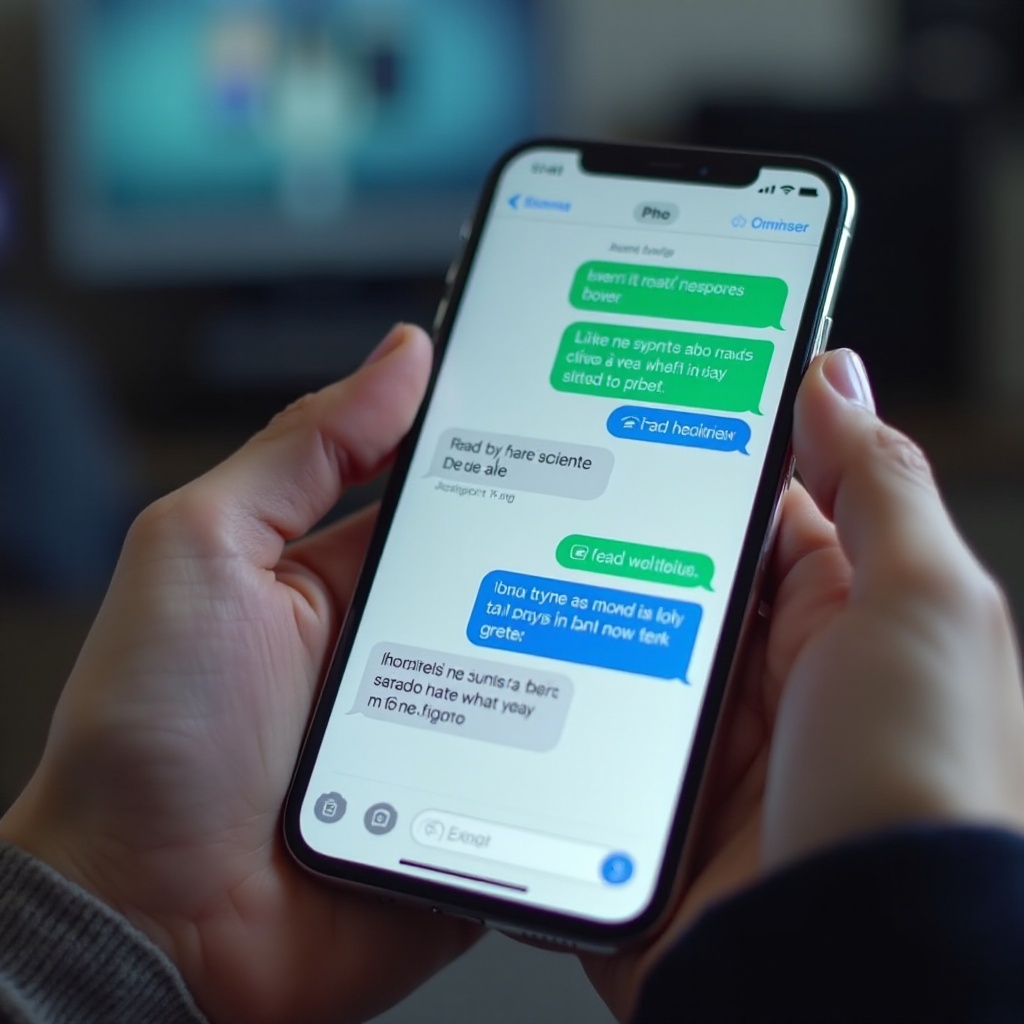
- Compose a message to a contact using an Apple device—look for the blue text bubble, indicating successful activation of iMessages.
By following these steps, you activate iMessages successfully, allowing you access to Apple’s premier messaging features.
Troubleshooting Common Activation Issues
If you encounter any issues during activation, these solutions may help resolve them quickly:
- Problem with Verification
- Ensure your Apple ID credentials are correctly entered.
-
Check if your device is set to the correct time zone via Settings > General > Date & Time.
-
Network Issues
- Restart your router or toggle airplane mode on and off.
-
If connectivity persists, reset the network settings: Settings > General > Reset > Reset Network Settings.
-
Contacting Apple Support
- For unresolved issues, visit Apple’s support page or reach out directly to customer service for tailored solutions.
With these troubleshooting options, most activation problems can be resolved, leading to a successful setup of iMessages. Now that your iMessages is activated, there are features you shouldn’t miss.
Features of iMessages You Should Know About
After activation, iMessages offers a range of exciting features that elevate your messaging experience:
- Stickers and Effects
-
Add personality to your messages with various stickers and effects. Press and hold the send button to explore these options.
-
End-to-End Encryption
-
Enjoy secure conversations with encryption exclusive to you and your message recipient, maintaining your privacy.
-
Customization Options
- Personalize your messaging experience by adjusting notification settings and managing sticker packs to suit your preferences.
Familiarizing yourself with these features enriches your communication experience, making your conversations more engaging and secure.
Conclusion
Activating iMessages on your iPhone is a straightforward yet transformative process that enhances your communication capabilities. Following this guide ensures smooth activation and equips you with knowledge of key features that set iMessages apart from traditional messaging services. Should issues persist, Apple support remains an invaluable resource for troubleshooting and assistance.
Frequently Asked Questions
How do I fix iMessage not activating?
Ensure a stable internet connection, verify Apple ID credentials, and ensure your device is set to the correct time zone.
Can I use iMessages without an Apple ID?
No, an Apple ID is necessary to activate iMessages and ensure secure communication.
What benefits do iMessages provide over regular SMS?
iMessages offer free messaging over Wi-Fi, multimedia content sharing, and enhanced security with end-to-end encryption.