5 Jun 2026
Post by Elijah
Introduction
PS4 controller stick drift can be a gamer’s nightmare, causing unwanted character movement and disrupting gaming sessions. This issue can make precise gaming, especially in competitive scenarios, much less enjoyable. However, understanding the root causes, learning how to diagnose the problem, and applying effective fixes can help alleviate this all-too-common concern. In this article, we’ll dive into the reasons behind stick drift, explore practical solutions, and share prevention strategies to enhance your gaming experience.
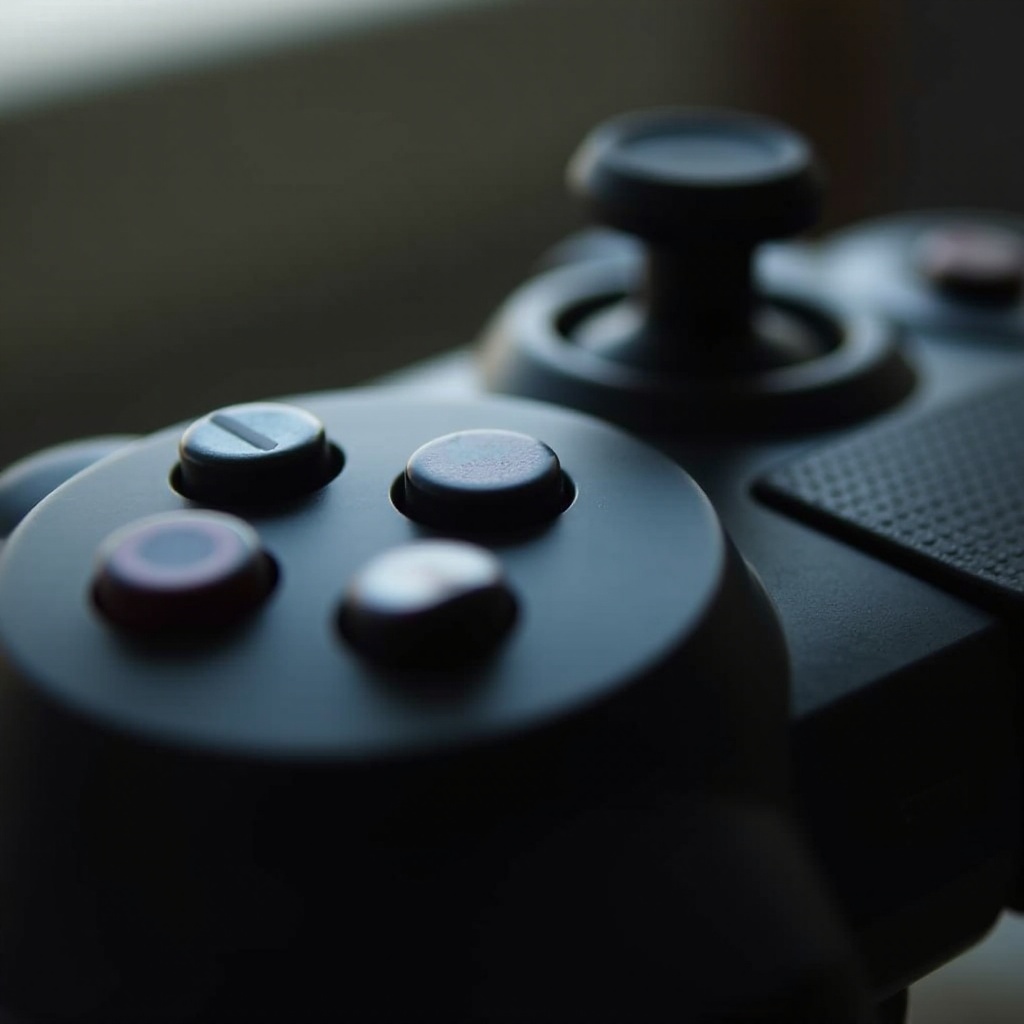
What Causes PS4 Controller Stick Drift?
Stick drift is a frustrating occurrence that gamers often face. The primary causes of this issue can stem from various factors:
-
Wear and Tear Over Time: With repeated use, the analog stick’s components can wear down, leading to decreased responsiveness and unintended movements.
-
Internal Sensor Issues: Sensors within the controller communicate movements to the console. Malfunctions or sleep sensors can inaccurately relay these signals, causing drift.
-
Dirt and Debris Accumulation: Over time, dust and grime can gather in and around the analog stick, impeding its motion and causing drift.
By understanding these causes, you can begin addressing the specific problem affecting your controller. Once you know what might be wrong, diagnosing the issue becomes the next step.
Diagnosing Stick Drift in Your PS4 Controller
Accurate diagnosis of stick drift can spare you unnecessary repairs or replacements. Here’s how to check for this issue:
-
Recognizing the Symptoms: Watch for involuntary movements. If your character or camera moves without input, you likely have stick drift.
-
Tools for Diagnosis: Utilize software like ‘Game Controller Tester’ on a PC. This tool visualizes stick movements, allowing you to see if drift occurs when the stick isn’t touched.
Having pinpointed the problem, it’s time to consider potential solutions. Repairing your controller might be easier and more cost-effective than you think.

Solutions for Fixing Stick Drift
Rather than replace your PS4 controller, try these solutions to fix stick drift:
- Basic Cleaning Techniques:
- Turn off and disconnect your controller.
- Wipe around the base of the analog stick with a lint-free cloth dabbed in isopropyl alcohol.
-
Move the stick gently to dislodge dirt underneath.
-
Recalibrating Your Controller:
- Attach your controller to the console with a USB cable.
- Go to PlayStation settings, navigate to the Device menu, and choose ‘Calibrate Controller.
-
Follow on-screen guidance to reset stick responsiveness.
-
Replacing the Analog Stick Module:
- Carefully open the controller using a precision screwdriver.
- Unplug and swap the faulty module with a new one.
- Ensure all components are securely refitted, then reassemble the controller.
These fixes can return your controller to a like-new condition. Yet, sometimes extensive damage means professional help or replacement could be more viable, which we will explore next.

When to Consider Professional Repair or Replacement
If DIY solutions don’t suffice, professional repair or obtaining a new controller are alternatives to consider.
-
Assessing the Damage: Should recalibration and cleaning not resolve the drift, internal damage might require expert attention.
-
Cost Analysis: Repair vs. Buying New: Evaluating repair costs against purchasing a new controller can reveal the more economical option.
Professional assistance ensures complex issues are handled effectively, preserving your investment in gaming gear. Preventative actions, however, can mitigate future occurrences.
Preventative Measures for Future
To avoid facing stick drift again, adopting preventative practices is essential. Here’s how:
-
Routine Maintenance Tips: Clean your controller regularly, especially after extended gameplay, to prevent grime buildup.
-
Proper Storage and Handling Practices: Store your controllers in a clean, dry environment away from dust. Handle the analog sticks with care to reduce wear.
By maintaining your equipment, you can ensure prolonged device performance, delivering an optimal gaming experience devoid of frustration.
Conclusion
By addressing stick drift with informed solutions and regular upkeep, you enhance your gaming experience. Stick drift is manageable with the proper knowledge and effort. Remember to respond promptly to any drift symptoms, perform routine maintenance, and take corrective action as needed. This proactive approach will ensure you continue to enjoy your gaming sessions with minimal interruptions.
Frequently Asked Questions
What are the signs of stick drift on a PS4 controller?
Involuntary movements of a character or camera are common signs of stick drift, occurring when the analog stick is not being touched.
Can I fix stick drift myself, or do I need a professional?
Many cases can be resolved independently through cleaning and recalibration. Professional help may be needed for extensive damage.
How can I prevent stick drift in the future?
Regular maintenance and mindful handling, along with proper storage, can prevent future stick drift occurrences.