12 Jun 2026
Post by Elijah
Introduction
Experiencing a rainbow effect on your iPhone screen can be a puzzling phenomenon for users. This colorful distortion can disrupt your viewing experience, leaving you questioning the cause and solution. It’s more than just a minor annoyance—it could point to underlying issues. We’ll explore the common causes, effective solutions, and preventive measures to keep your display clear and vibrant. With a bit of troubleshooting and regular care, you can ensure your screen remains free from this distracting effect.
What is the Rainbow Effect on iPhone Screens?
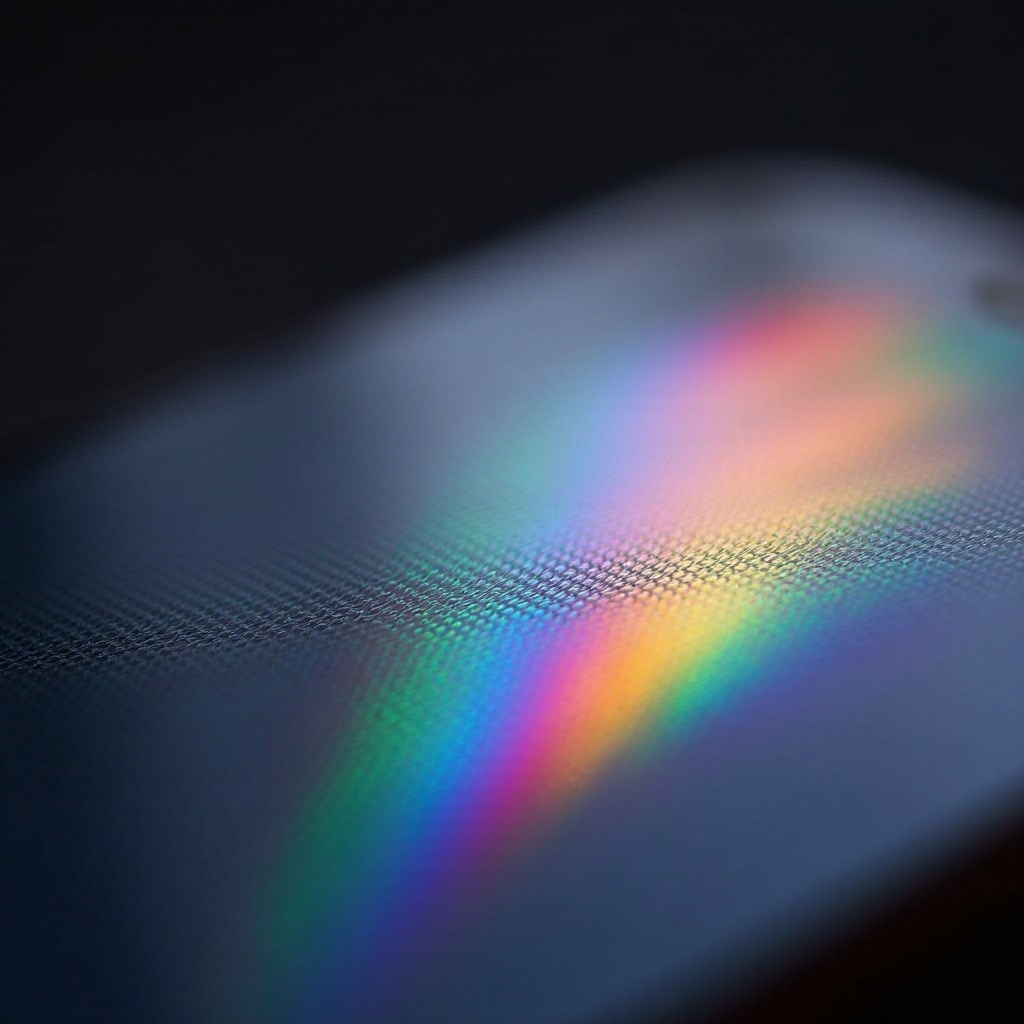
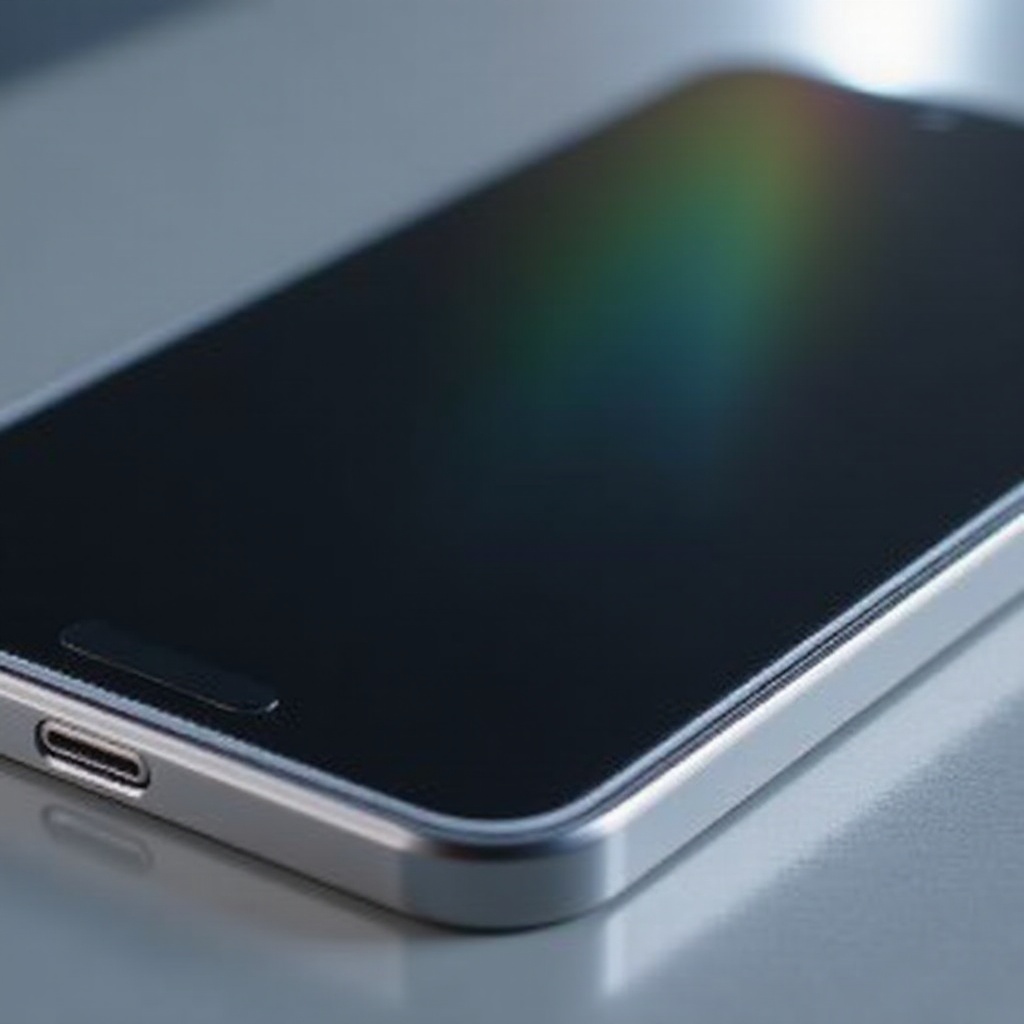
In the world of smartphone displays, the rainbow effect refers to the iridescent distortion visible on digital screens. It manifests as multicolored streaks or patches that can degrade your visual experience. The phenomenon arises due to interactions between the screen materials and external factors.
Though it might seem inconsequential at first, this effect can be a persistent distraction and potentially signal deeper problems that need attention. By understanding its nature, you’ll be better equipped to address the issue on your iPhone, paving the way for effective solutions and preventive measures.
Common Causes of the Rainbow Effect
Several elements can contribute to the occurrence of a rainbow effect on iPhone screens. Identifying these elements is vital for developing an efficient solution plan.
-
Manufacturing Defects: At times, devices may have imperfections from the production line, inevitably resulting in rainbow-like visual distortions. While Apple’s manufacturing protocols are advanced, anomalies can occur. Addressing these imperfections might necessitate reaching out to Apple support for repairs under warranty.
-
Screen Protector Issues: Protective films, while safeguarding your screen, can inadvertently cause visual distortions. The rainbow effect might be due to air bubbles trapped between the screen and the protector. To rectify this, ensure that the protector is applied correctly, free from dust or debris, and properly aligned.
-
Environmental Factors: High moisture levels or extreme temperatures can alter screen material properties, causing rainbow-like distortions. Ensuring your device is used within advised environmental parameters helps avert this issue.
Troubleshooting the Rainbow Effect
With causes identified, the next step is to troubleshoot and rectify the issue systematically:
-
Removing and Reapplying Screen Protectors: If the screen protector is the source, gently take it off. Clean your iPhone screen with a microfiber cloth before reapplying or opting for a new protector to minimize drifts and air bubbles.
-
Cleaning Techniques for Your iPhone Screen: Use a soft, lint-free cloth, slightly moistened with water or a screen-safe cleaning solution, to wipe your screen. Avoid household cleaners or rough materials that could harm the screen.
-
Software Checks and Updates: Software glitches or outdated versions might contribute to display anomalies. Ensure your iPhone is running the latest iOS version, as updates often resolve numerous issues, including display glitches.
When to Seek Professional Help
When initial troubleshooting doesn’t resolve the rainbow effect, professional assistance might be necessary:
-
Assessing Screen Damage: If the rainbow effect persists despite preliminary fixes, it may be due to screen damage. Professionals can accurately diagnose and repair any cracks or internal damage.
-
Understanding Warranty and Repair Options: Determining your iPhone’s warranty status is key; it may provide free repair coverage. Apple’s warranty and AppleCare+ offer substantial coverage for hardware issues, potentially saving replacement costs.
Preventative Measures to Avoid the Rainbow Effect
Preventing the rainbow effect before it occurs is often the best strategy. Here are key precautionary steps:
-
Choosing the Right Screen Protector: Select high-quality protectors specific to your iPhone model. Tempered glass options provide durability and are less likely to cause distortions.
-
Proper Installation Techniques: Precisely follow the manufacturer’s instructions when applying a screen protector. Use alignment tools if provided to guarantee an even fit, free of air bubbles.
-
Routine Maintenance Tips: Regularly clean your device using suitable materials to keep it free from dirt and debris that might cause distortion over time.
Cost Considerations for Screen Repairs and Replacements
Handling persistent rainbow effects might require repairs or replacements, which come with varying costs. Minor issues like improper screen protector application involve minimal expenses, but addressing physical damage can be costly.
Understanding potential charges from Apple’s repair services or authorized centers helps you budget wisely for such repairs. Opting for third-party repair shops offers varied pricing but may void the warranty, so consider carefully.
Conclusion
Addressing the rainbow effect around your iPhone screen is not a formidable task. With an understanding of its causes and a structured troubleshooting approach, you can maintain a clear display. Should DIY efforts fall short, turning to professional services can restore your device to optimal functionality.
Frequently Asked Questions
What temporary fixes can I try if I see a rainbow effect on my screen?
Temporarily remove any screen protectors, clean your screen, and update your software to see if these steps help.
Is a rainbow effect a sign of damage?
While it might not always indicate damage, the rainbow effect can suggest screen protector issues or more severe faults needing professional help.
Will the rainbow effect go away on its own?
It might temporarily improve with environmental changes, but thorough cleaning or professional assessment provides longer-lasting solutions.